HomeArchiveBrowser Help From the Early Web
From the archive · Site note
Browser Help From the Early Web
The technical help page of the old website, from the days of version 4 browsers.
From the archive. Around 1998 to 2001 this web address carried the website of a small UK relief charity. This page keeps one of its items as a historical record. Relief Weekly, which publishes the site today, is an independent magazine with no connection to that charity; its name, the names of its staff and supporters, addresses, telephone numbers, registration details and donation forms have been removed, and lost pictures have been replaced with credited photographs of the places concerned. Nothing here is a current appeal.
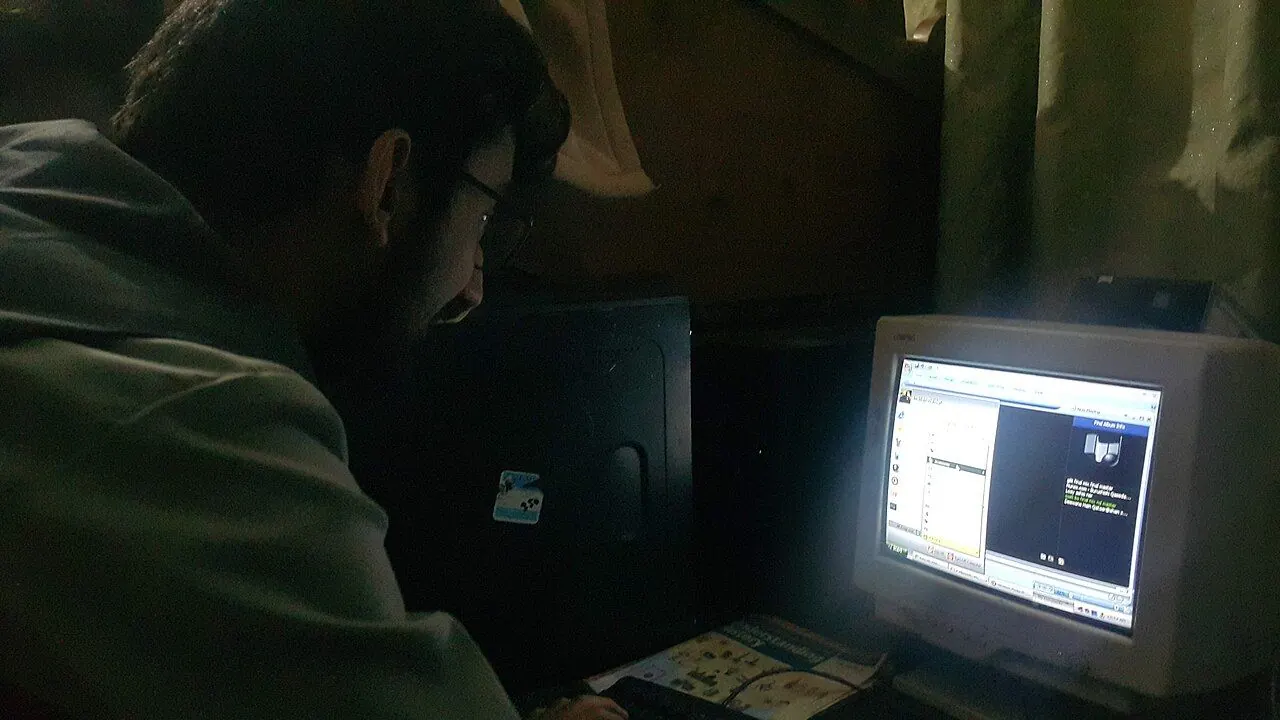
Pictured today: Photo: Kskhh / Wikimedia Commons, CC BY-SA 4.0
If you are having technical difficulties with this web site, this is the page you want to read. We tried to outline some of the common technical questions and possible errors you may see and may be confused about.
This web site is designed to work with most web browsers, however 4.0 compatible browsers may work the best. If you are not using a 4.0 browser, please download either Microsoft Internet Explorer 4.0 or Netscape Navigator 4.0.
COMMON QUESTIONS:
MY PRAYER REQUEST DOES NOT APPEAR ON THE PAGE.
You prayer request is there. You may have to hit the 'RELOAD' button for it to appear.
HOW CAN I PRINT A PAGE FROM THIS SITE?
You can print any page from this site. Make sure that under your browser preferences you have 'print background' activated so that you will be able to see what is on the web page. If you want to print just a certain page and only that page, you can always make a new window with your desired page in the new window, then hit 'PRINT'.
IF I MAKE A DONATION WITH MY CREDIT CARD, IS IT SAFE?
Yes! Any monetary transaction done from this web site is secure. We use the SSL Technology which will encrypt your credit card information and only we are able to decode it. Once your donation is received, we process it, then delete the credit card information. If you want to make another donation, you will have to enter your credit card information again for security purposes.